Personal Finance Apps: Your 2026 Money Toolkit
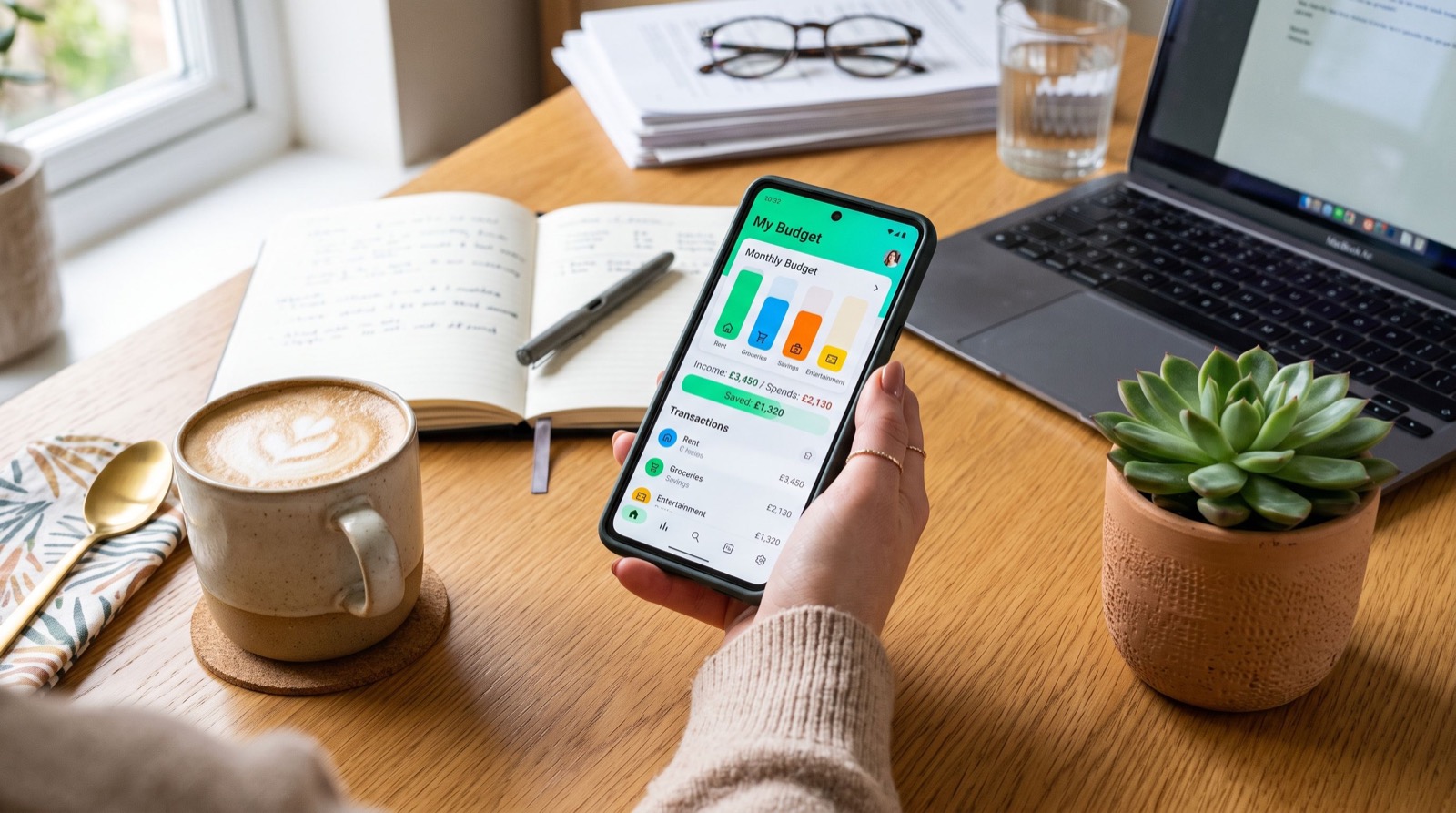
Personal finance apps have quietly become the control panel for how Americans earn, spend, and save. In 2026, the average household juggles a checking account, a couple of credit cards, a brokerage login, and at least one peer-to-peer wallet. Trying to track all of that on paper is a recipe for missed bills and mystery charges. The right personal finance apps pull those scattered pieces into one screen, so you always know what you actually have.
This guide walks through what these tools do well, how to assemble a toolkit that fits your life, and the habits that turn a shiny app into real savings. No hype, just a practical setup you can build this weekend.
Why Personal Finance Apps Matter More in 2026
Money moves faster than it used to. Paychecks land through direct deposit, subscriptions renew silently, and a tap at the register settles instantly. When cash flow is this frictionless, awareness becomes the real budget. An app that nudges you before a charge posts is worth more than a spreadsheet you update once a month.
Regulators have noticed the shift too. The U.S. Consumer Financial Protection Bureau publishes plain-language guidance on digital banking and fraud, and it is worth a read before you link accounts. See the CFPB consumer tools hub for official, unbiased explainers.
The core jobs a good app should handle
- Visibility: show every account balance in one dashboard.
- Categorization: sort transactions automatically into groceries, transport, and the rest.
- Alerts: warn you about low balances, large charges, or upcoming due dates.
- Goals: let you earmark money for an emergency fund or a trip.
Building a Personal Finance Apps Toolkit That Fits You
You do not need ten apps. You need three or four that cover distinct jobs and talk to each other. Think of it like a kitchen: one knife that does everything beats a drawer of gadgets you never reach for.
Start with a budgeting hub, add a payments wallet, then layer in a savings or investing tool once the basics run on autopilot. For broader money habits beyond software, these practical personal finance tips pair neatly with whatever stack you choose.
- Pick a budgeting hub. This is the app you open first each morning.
- Connect your primary bank and cards. Accurate feeds make the categories trustworthy.
- Add a payments wallet for splitting bills and sending cash to friends.
- Automate one savings transfer the day after payday so you never see the money.
- Review weekly for ten minutes instead of scrambling at month end.
Comparing common app categories
| App type | Main job | Best for | Watch out for |
|---|---|---|---|
| Budgeting hub | Track spending, set limits | Daily awareness | Stale bank feeds |
| Payments wallet | Send and split money | Shared costs | Scams, no reversals |
| Savings automation | Round-ups, auto transfers | Building a buffer | Low interest tiers |
| Investing app | Buy funds and stocks | Long-term growth | Fees and over-trading |
How Do You Keep Your Money Safe Inside These Apps?
Security is where good habits earn their keep. Treat your phone as the key to your money, because that is exactly what it has become. A few settings close most of the common gaps.
- Turn on biometric or passcode locks for every finance app.
- Enable two-factor authentication on the linked bank itself.
- Only send peer-to-peer payments to people you know and trust.
- Review connected apps monthly and revoke anything you no longer use.
Peer-to-peer wallets deserve extra care because transfers often cannot be undone. If you are setting up one of the big P2P wallets, this clear Cash App guide explains the safety toggles and fee structure before you move a dollar.
One original tip that saves real money
Create a second checking account that holds only your fixed bills, then automate those bills out of it. Your everyday spending account becomes a true “safe to spend” number, because the rent and insurance are already walled off. I started doing this three years ago and overdraft anxiety basically disappeared.
Reading the Fine Print on Fees
Free apps still make money somewhere. Instant transfers, out-of-network ATM withdrawals, and premium budgeting tiers are the usual culprits. None of these are deal-breakers, but you should know they exist before you commit.
The Federal Deposit Insurance Corporation keeps a helpful primer on which balances are actually insured, which matters when an app holds a cash balance for you. Skim the FDIC consumer resources so you know whether your funds sit in an insured bank or an uninsured wallet.
When you compare tools, weigh the monthly cost against the behavior it changes. A $5 app that stops one impulse buy a week has already paid for itself. If you want hands-on setup help, our experienced local team covers related digital know-how in plain language.
Turning App Data Into Real Decisions
Collecting data is easy; acting on it is where most people stall. The dashboards look impressive, yet nothing changes unless you schedule a moment to read them. Build a simple weekly ritual and the numbers start steering your choices instead of just decorating your screen.
Each Sunday, open your budgeting hub and ask three questions. Where did money leak this week? Which upcoming bills need cash set aside? And did your savings transfer actually clear? Ten focused minutes beats an hour of panic at month end.
Signals worth watching every month
- Category creep: dining or shopping quietly climbing month over month.
- Zombie subscriptions: charges for services you forgot you signed up for.
- Buffer health: whether your emergency fund grew or shrank.
- Fee drip: small instant-transfer or ATM charges adding up.
Over a few months, these signals reveal patterns no single statement ever shows. One friend discovered she was paying for three overlapping streaming services simply because her app surfaced them side by side. Cancelling two covered her entire grocery delivery fee for the year.
Treat your app as a coach, not a judge. A missed savings transfer is data, not failure, and the fix is usually a smaller, more realistic automatic amount. Adjust, rerun, and watch consistency beat intensity every single time in 2026.
Frequently Asked Questions
Are personal finance apps safe to link to my bank?
Reputable apps use read-only, encrypted connections and never store your banking password. Stick to well-reviewed names, enable two-factor authentication, and you remove most of the risk.
How many money apps should I actually use?
Three or four is the sweet spot for 2026: a budgeting hub, a payments wallet, a savings tool, and optionally an investing app. More than that and you stop checking any of them.
Do free personal finance apps really cost nothing?
The core features are usually free, but instant transfers, premium tiers, and ATM fees can add up. Read the fee schedule once so there are no surprises later.
What is the fastest way to start?
Pick one budgeting hub today, link your main account, and set a single automatic savings transfer. You can refine the rest of the toolkit over the following weeks.
Your Next Step
Personal finance apps work best when they fade into the background and simply keep you honest. Start small, link one account, automate one transfer, and build from there. The goal is not a perfect dashboard; it is a calmer relationship with your money. Pick your first app this week, give it a full pay cycle, and let the data show you where your dollars really go.